Story to storyboard to video

Turn any story into an AI-generated video

VideoAi turns your story, script, or simple paragraph into a cinematic storyboard with ChatGPT Image 2, then generates the final video with Seedance 2.0.
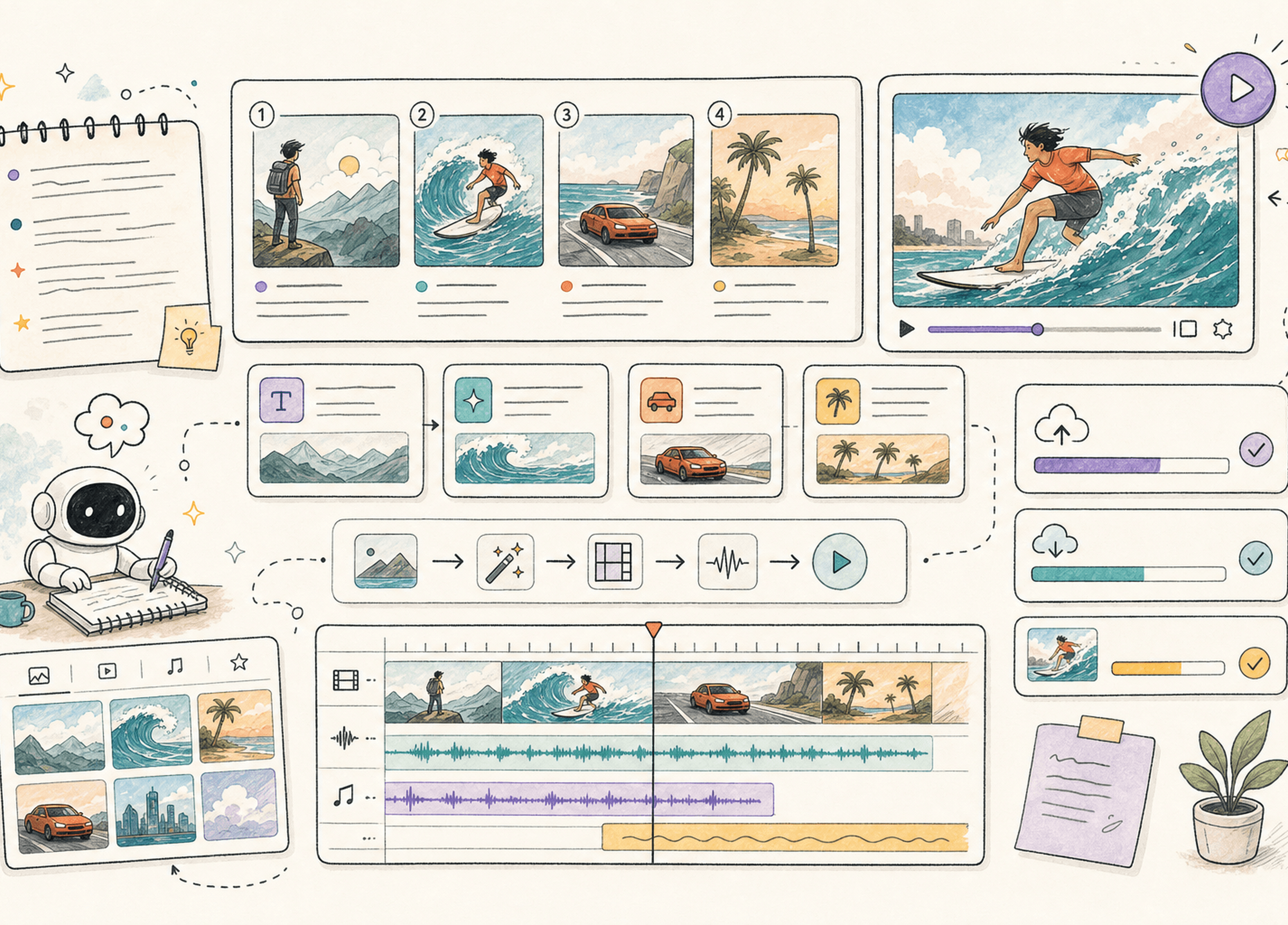
VideoAi storyboard and video workspace in light mode
AI Storyboard to Video

Create a 15-second Seedance video

1
Write story
2
Generate storyboard
3
Generate video
1

Write story

0/4000
2

Generate storyboard

Storyboard preview
idle
3

Generate video

Video preview
idle

Built for creators, marketers, educators, and founders

Nvidia LogoColumn LogoGitHub LogoNike LogoLaravel LogoLilly LogoLemon Squeezy LogoOpenAI LogoTailwind CSS LogoVercel LogoZapier Logo

The VideoAi workflow

From text to moving scenes

VideoAi builds a guided pipeline around the two steps that matter most: coherent visual planning and high-quality motion generation.
The VideoAi workflow

VideoAi builds a guided pipeline around the two steps that matter most: coherent visual planning and high-quality motion generation.

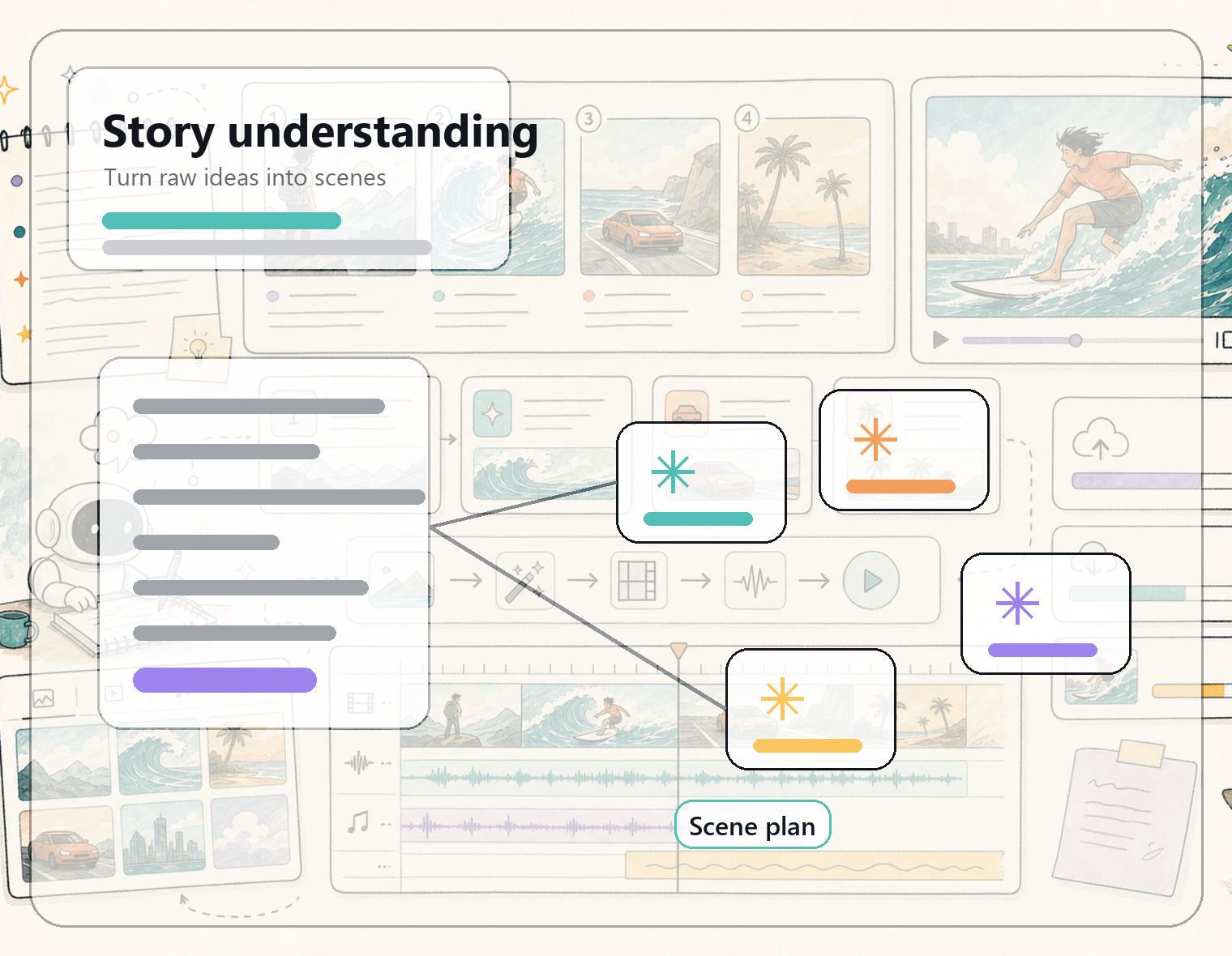
Paste a story, paragraph, ad idea, or lesson outline. VideoAi extracts characters, setting, tone, and key beats into a usable scene plan.

VideoAi story understanding preview

A complete AI video pipeline

Built for repeatable creation

Keep creative control without manually writing every shot prompt. VideoAi separates planning, frame generation, review, and video output into a repeatable production flow.

A complete AI video pipeline

Keep creative control without manually writing every shot prompt. VideoAi separates planning, frame generation, review, and video output into a repeatable production flow.

  • Scene-by-scene storyboard planning
  • ChatGPT Image 2 frame generation
  • Seedance 2.0 motion generation
  • Drafts, downloads, and account history
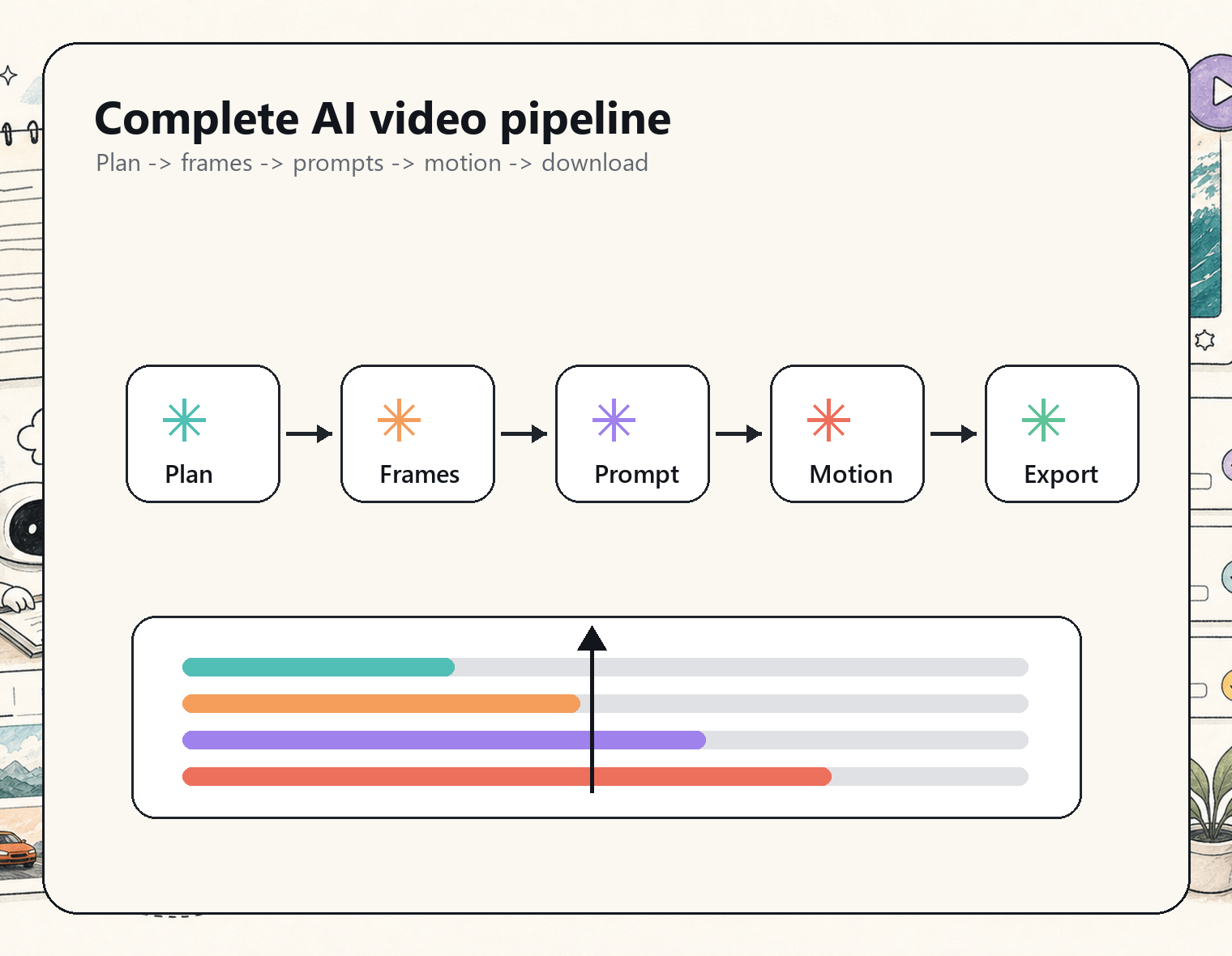
VideoAi workflow preview in light mode

Your next video can start as one paragraph

Start with a story, review the storyboard, and generate a video ready for your next campaign, lesson, or pitch.

WORKFLOW

Creative output

A focused workflow for turning ideas into videos without a traditional production stack.

+1200

Storyboard drafts

22 Million

Generated frames

+500

Creator projects

AI VIDEO STACK

Model-powered creation

VideoAi is designed around the models and infrastructure needed to move from text to visual planning to generated motion.


OpenAI

ChatGPT Image 2

Generate storyboard frames and visual references from each scene.

ByteDance

Seedance 2.0

Produce cinematic video clips from approved storyboard frames.

LobeHub

React workflow

A fast interface for reviewing scenes, prompts, and outputs.

ComfyUI

Prompt studio

Creator-friendly editing flows for drafts, assets, and prompt tuning.

Cloudflare

Cloud storage

Save storyboards, generated clips, and project assets securely.

OpenRouter

Model providers

Connect model providers and future video generation backends as the product grows.

OpenAI
ByteDance
LobeHub
VideoAi logo
ComfyUI
Cloudflare
OpenRouter

One workspace for AI video creation

Bring story planning, image generation, and video rendering into one product flow instead of jumping between disconnected tools.

Pricing

Choose a plan based on how often you generate storyboards and videos.

Trial

$8.8one-time

1,000 credits to explore AI video generation

Get Started

  • 1,000 credits (one-time)
  • Seedance 2.0 video exports
  • Basic project storage
  • Priority render queue
  • Commercial usage

Pro Monthly

$19.9/month

3,000 credits/month for storyboards and AI videos

Get Started

  • 3,000 credits per month
  • Seedance 2.0 video exports
  • Project asset storage
  • Priority render queue
  • Commercial usage
    Popular

    Pro Yearly

    $238.8$199.9/yearSave 16%

    3,000 credits/month, best value with annual billing

    Get Started

    • 3,000 credits per month
    • Seedance 2.0 video exports
    • Project asset storage
    • Priority render queue
    • Commercial usage

      FAQ

      Answers before your first render

      TESTIMONIALS

      How creators use VideoAi

      J

      Jane Doe

      Creative Director

      VideoAi gives our campaign team a storyboard before the first render, which makes approvals much faster.

      J

      John Smith

      Growth Marketer

      I paste a product story and get scenes I can actually use for short-form ads.

      A

      Alex Chen

      Video Producer

      The storyboard step is the difference. It keeps the final video coherent instead of feeling random.

      M

      Maria Garcia

      Educator

      For lessons and explainers, it turns rough notes into a visual sequence my students can follow.

      S

      Sam Wilson

      Founder

      It feels like briefing a small creative team, not fighting a blank prompt box.

      J

      Jordan Lee

      Content Strategist

      Story, frames, motion, export. The flow is exactly what AI video needed.

      VideoAi updates

      Stay close to the build

      Get product updates, model workflow tips, and examples from VideoAi.

